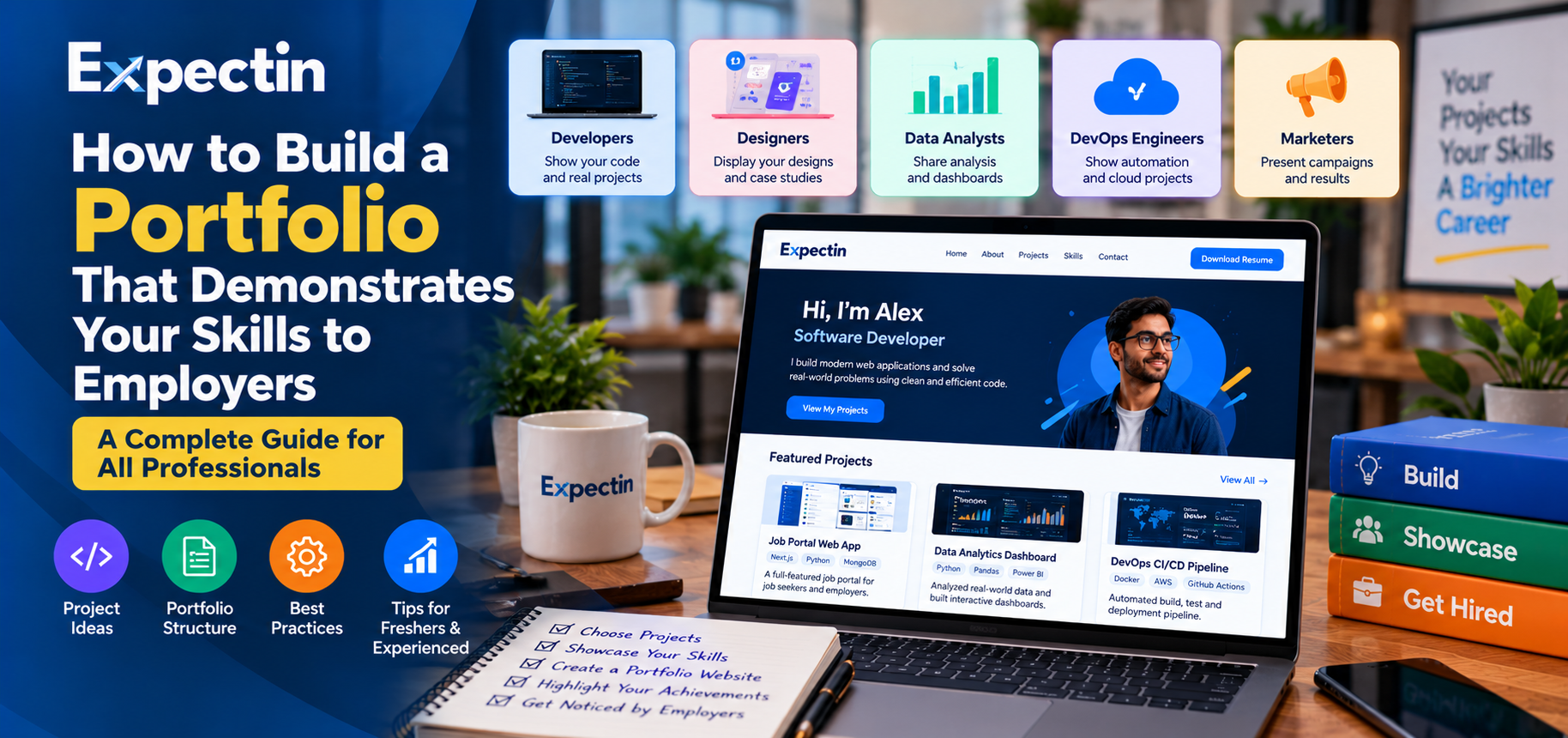
How to Build a Portfolio That Demonstrates Your Skills to Employers
A resume tells employers about your qualifications, skills, and experience. A professional portfolio gives them something more: evidence of what you can actually do.
Whether you are a software developer, UI/UX designer, data analyst, DevOps engineer, digital marketer, or recent graduate, a well-organized portfolio can help you demonstrate your abilities beyond what is written on your resume.
You do not need an expensive website or years of professional experience to create one. You can start with a few meaningful projects, explain your contribution clearly, and present your work in a way that is easy for employers to understand.
In this guide, Expectin explains how to build a portfolio that showcases your skills, highlights your strengths, and supports your job applications.
What Is a Professional Portfolio?
A professional portfolio is a collection of work samples that demonstrates your skills, knowledge, problem-solving abilities, and achievements.
Depending on your profession, it may include:
Software projects and code repositories
Website designs and user interfaces
Data analysis reports and dashboards
Cloud infrastructure and automation projects
Marketing campaigns and content samples
Research projects and case studies
Presentations, documentation, and other relevant work
A portfolio does not replace your resume. Instead, it provides supporting evidence for the skills and experience you mention in your application.
Why Do Employers Value a Portfolio?
A portfolio can help employers understand how you approach real tasks rather than relying only on a list of skills.
For example, writing "Python, SQL, and data analysis" in a resume tells an employer which skills you claim to have. A relevant project can demonstrate how you used those skills to clean data, perform analysis, create visualizations, or explain findings.
A useful portfolio can help you:
Demonstrate practical knowledge
Explain how you solve problems
Show your technical or creative abilities
Support the claims made in your resume
Discuss projects during interviews
Identify areas where you want to improve
A portfolio does not guarantee an interview or job offer, but it can give employers more information when evaluating your application.
1. Choose the Right Type of Portfolio for Your Career
Your portfolio should match the type of job you want.
For Software Developers
Showcase applications, code repositories, APIs, and projects that demonstrate your programming abilities.
Useful examples include:
A full-stack web application
A REST API with database integration
An authentication system
A mobile application
An application with automated tests
Include the technologies used, the problem addressed, your contribution, and instructions for running the project where appropriate.
Platforms such as GitHub can help you organize and share source code.
For UI/UX Designers
Present design work that explains both the visual result and the reasoning behind your decisions.
Your portfolio might include:
Website or mobile app designs
Wireframes and prototypes
User flows
Design systems and reusable components
Usability improvements
Case studies describing the design process
Explain the user problem, your role, the design decisions, and what you learned. Do not reveal confidential client information or user research without permission.
For Data Analysts
Demonstrate how you turn raw data into useful insights.
Possible projects include:
A sales performance dashboard
Customer behavior analysis
A data-cleaning project
SQL queries for business reporting
A visualization explaining a trend
A report with recommendations based on data
Describe the dataset, tools used, analysis performed, important findings, and limitations.
Use public or appropriately authorized datasets. Never publish confidential customer information.
For DevOps and Cloud Engineers
Show how you build, deploy, automate, and monitor applications or infrastructure.
Portfolio projects could include:
A Dockerized web application
A CI/CD pipeline using GitHub Actions or Jenkins
Infrastructure provisioned using Terraform
A cloud-hosted application with monitoring
A shell or Python automation script
A Kubernetes deployment in a test environment
Explain the architecture, security considerations, deployment steps, and troubleshooting decisions.
Do not publish cloud credentials, private keys, access tokens, or sensitive infrastructure details.
For Digital Marketers and Content Creators
Show how you plan and produce content, communicate with audiences, and evaluate campaign performance.
Examples include:
Sample social media campaigns
Blog articles
Content calendars
SEO content samples
Email campaign examples
Reports using genuine, authorized campaign data
Explain your specific contribution and distinguish sample work from campaigns that were actually published.
For Freshers and Recent Graduates
You can build a portfolio without previous full-time employment.
Consider including:
Academic projects
Personal projects
Internship work you are permitted to share
Hackathon contributions
Open-source contributions
Relevant research or coursework
Practical exercises that solve a real problem
Clearly label personal, academic, and professional work. Employers value honesty and a clear explanation of what you actually contributed.
2. Select Projects That Demonstrate Your Skills
You do not need dozens of projects. A small collection of well-documented, relevant projects is often more useful than a large collection of unfinished examples.
Choose projects that:
Relate to your target job
Demonstrate skills listed in relevant job descriptions
Solve a clear problem
Show your individual contribution
Can be explained during an interview
Do not expose confidential information
For example, a candidate applying for a Python developer position might showcase a Python API connected to a database, including validation, error handling, and automated tests.
A candidate applying for a DevOps role might demonstrate how an application is built, containerized, deployed through a pipeline, and monitored.
The best projects are those you understand well enough to discuss the decisions, challenges, and limitations.
3. Explain Every Project Clearly
A project should tell a story, not simply display a screenshot or a link.
For each project, include the following information.
Project title: Give the project a clear, descriptive name.
Problem statement: Explain what the project is intended to solve.
Your role: State whether you worked independently or as part of a team. Identify the work you personally completed.
Technologies used: List the languages, frameworks, tools, and platforms you actually used.
Implementation: Describe the main features and important technical decisions.
Challenges: Explain a problem you encountered and how you investigated or resolved it.
Results: Describe what works, what you learned, and any measurable results you can substantiate.
Project links: Include a repository, live demonstration, design prototype, or report where appropriate.
This structure helps employers understand your thinking and practical abilities.
4. Create a Simple Portfolio Website
A dedicated portfolio website can make it easy to present your projects in one place.
It does not need to be complicated. A straightforward portfolio may contain these sections:
Home
Introduce yourself, your professional interests, and the roles you are targeting.
Example:
"Software developer interested in building reliable web applications using Python, React, and modern development tools."
Adapt this statement to your real background.
About Me
Briefly describe your education, experience, main skills, and career interests.
Focus on relevant professional information rather than writing a long personal biography.
Projects
Display your strongest and most relevant projects. Give each project a title, summary, technology list, and supporting links.
Skills
Organize skills into relevant groups, such as programming, databases, cloud platforms, design tools, or analytics.
Only list skills you can explain confidently.
Experience and Education
Summarize relevant employment, internships, academic projects, and qualifications.
Keep this section consistent with your resume.
Contact
Provide an appropriate professional contact method and links to relevant professional profiles.
Review the site on desktop and mobile, test every link, and make sure text is readable.
5. Use GitHub or Other Platforms to Share Your Work
A separate website is not essential for every profession.
Developers can use GitHub or another code-hosting platform to share repositories. Designers can use a suitable design portfolio platform. Data analysts can share dashboards or reports through platforms that support appropriate access controls.
When publishing a code repository, include a README file explaining:
What the project does
The technologies used
How to set it up
How to run it
Important configuration requirements
Screenshots or demonstrations, where useful
Known limitations
Check that your code does not contain credentials, personal information, confidential files, or other sensitive material.
A clean and understandable repository can be more valuable than a repository containing many unexplained files.
6. Show the Problem-Solving Process
Employers often want to understand how you approach unfamiliar problems.
For example, a data analyst might explain how they identified inconsistent values, cleaned a dataset, selected relevant metrics, and interpreted the results.
A developer might explain why they selected a particular API design, how they handled errors, and how they tested the application.
A designer might explain how user feedback influenced a design decision.
A DevOps candidate might explain how they investigated a failed deployment and what changes helped prevent the issue from recurring.
You do not need to make every project appear perfect. Honest explanations of limitations and lessons learned can demonstrate thoughtful problem-solving.
7. Make Your Portfolio Easy to Navigate
A portfolio should help an employer find relevant information quickly.
Use these practices:
Choose a clear, professional layout.
Give projects descriptive titles.
Keep descriptions concise and specific.
Use readable fonts and consistent spacing.
Check that images and links work.
Avoid unnecessary animations and distracting effects.
Make the site usable on mobile devices.
Place your strongest relevant projects near the beginning.
If you have projects across several fields, organize them by category rather than presenting an unrelated list.
Prioritize relevance over visual complexity.
8. Protect Confidentiality and Intellectual Property
Before publishing a project, check whether you have permission to share it.
Never upload an employer's private source code, internal documents, customer data, credentials, proprietary designs, or confidential performance information without authorization.
For professional projects that cannot be shared publicly, describe your responsibilities at a suitable level without revealing protected details.
You can create a separate demonstration project using sample data or a simplified architecture to show similar skills without exposing confidential information.
For team projects, clearly explain your contribution and credit collaborators appropriately.
9. Connect Your Portfolio to Your Resume and Job Applications
Your portfolio is most useful when employers can find it easily.
If relevant, add a portfolio link to your resume, professional networking profile, or application.
Place it near your contact information so it is easy to locate.
When applying for a specific role, highlight the projects most closely related to its requirements.
For example, if a vacancy emphasizes API development, feature an API project prominently. If it emphasizes data visualization, showcase a relevant dashboard or analysis report.
Avoid sending the same generic portfolio description to every employer. A brief explanation of why a particular project is relevant can help the recruiter understand its value.
10. Keep Your Portfolio Updated
A portfolio should reflect your current abilities.
Review it periodically and:
Add meaningful new projects.
Improve documentation.
Remove broken links.
Update outdated technologies where appropriate.
Correct inaccurate descriptions.
Remove information you no longer have permission to share.
Improve project explanations based on interview feedback.
You do not need to update your portfolio every day. Focus on improvements that demonstrate genuine progress.
Common Portfolio Mistakes to Avoid
Including unfinished projects without explanation
An incomplete project can still demonstrate learning, but clearly identify its status and explain what remains to be done.
Copying projects without understanding them
Tutorial-based projects can be useful learning exercises. Be transparent about their origin, explain what you learned, and show any original improvements you made.
Listing skills without evidence
Whenever possible, connect important skills to projects that demonstrate how you used them.
Publishing too much irrelevant information
Choose work that supports the type of position you want rather than including everything you have ever created.
Exaggerating your contribution
Describe your actual responsibilities, especially when working in a team.
Ignoring privacy and security
Review repositories, screenshots, and demonstrations before sharing them publicly.
Assuming a portfolio guarantees a job
A portfolio can strengthen an application, but hiring decisions also depend on the role, qualifications, experience, interview performance, and employer requirements.
Frequently Asked Questions
Do I need a website to create a professional portfolio?
No. A suitable code repository, design portfolio, dashboard, report, or organized collection of work samples can be enough for some roles. Choose a format that fits your profession.
How many projects should a portfolio contain?
There is no fixed requirement. Start with a few strong, relevant projects that you can explain clearly. Add more as you develop new skills.
Can freshers build a portfolio without work experience?
Yes. Academic assignments, personal projects, internships, open-source contributions, and practical exercises can demonstrate relevant skills when described honestly.
What should I include in a developer portfolio?
Useful elements include project descriptions, source code where appropriate, technologies used, setup instructions, screenshots or demonstrations, testing details, and an explanation of your contribution.
Should I include my portfolio link on my resume?
If your portfolio is relevant, accessible, and professional, including its link can help employers review your work. Make sure the projects support the skills you mention in your resume.
Can a portfolio help me get shortlisted?
It can provide evidence of your skills and help employers evaluate your work, but it cannot guarantee shortlisting or employment.
Find Your Next Opportunity on Expectin
A professional portfolio helps you demonstrate what you can do, explain how you solve problems, and support the experience listed on your resume.
Start with the projects that best represent your skills. Document your contribution honestly, make your work easy to review, and keep improving your portfolio as you learn.
Visit https://expectin.com to explore job opportunities, review employer requirements, and identify positions where your skills and projects may be relevant.
About Expectin
Expectin helps job seekers explore career opportunities and access career-related resources. Build your portfolio, present your skills clearly, and take the next step in your professional journey.