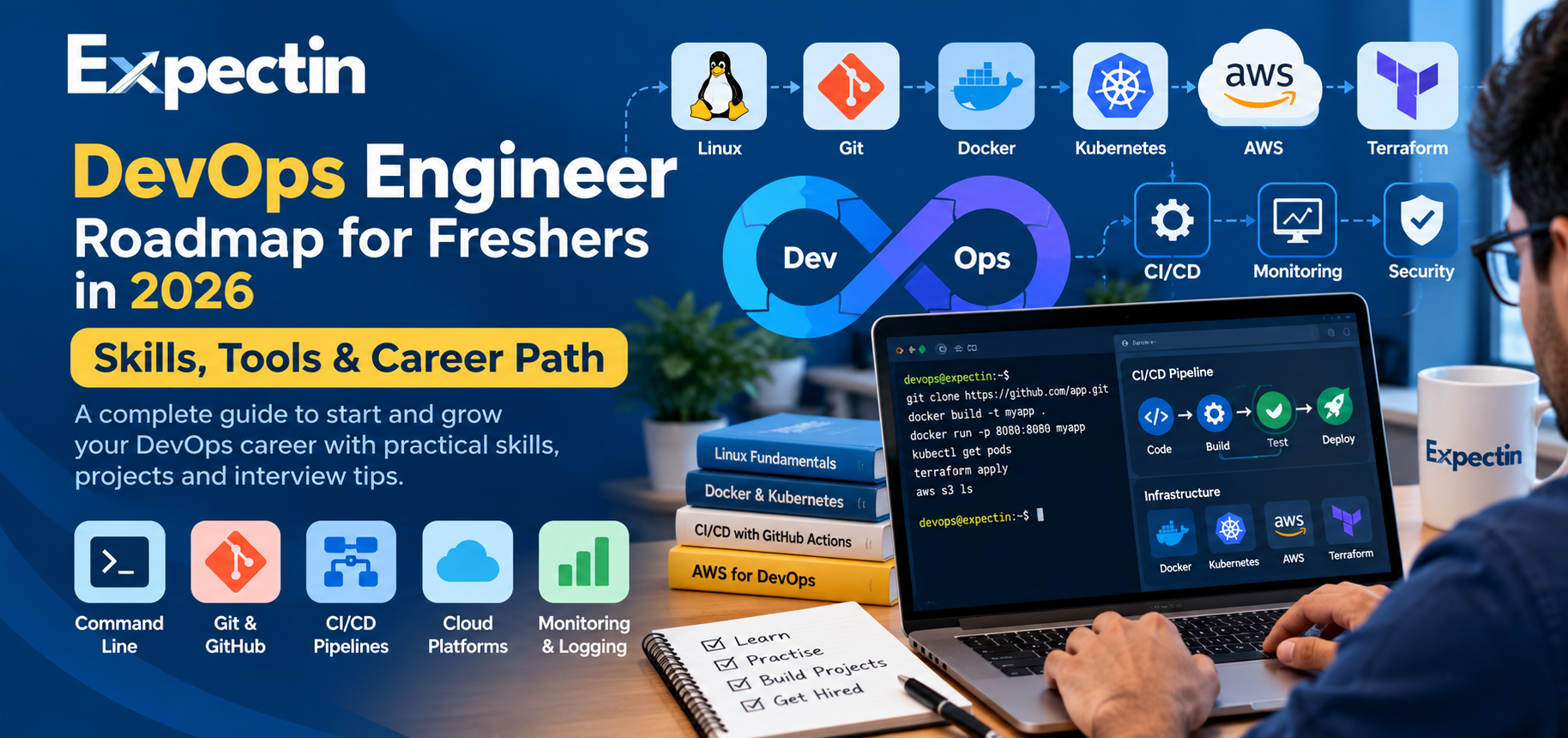
DevOps Engineer Roadmap for Freshers in 2026: Skills, Tools and Career Path
DevOps is an important part of modern software development. Companies use DevOps practices to improve collaboration between development and operations teams, automate repetitive tasks, deploy applications reliably, and monitor systems in production.
If you are a fresher or IT professional planning to start a career in DevOps, knowing which skills to learn first can save time and help you build a strong foundation.
In this guide, Expectin explains the essential DevOps skills, popular tools, practical projects, and interview preparation steps to help you plan your learning journey.
What Is DevOps?
DevOps is a combination of practices, processes, and cultural principles that help development and operations teams work together throughout the software delivery lifecycle.
The goal is to make software delivery more reliable, repeatable, secure, and efficient.
DevOps Engineers may work on:
Automating software builds and deployments
Managing cloud infrastructure
Creating CI/CD pipelines
Monitoring application performance
Managing containers and orchestration platforms
Improving reliability, security, and operational efficiency
DevOps is not just about learning tools. Understanding operating systems, networking, scripting, software delivery, and troubleshooting is equally important.
Step 1: Learn Linux Fundamentals
Linux is widely used in cloud infrastructure, application hosting, automation, and container environments.
Start by learning:
Linux file and directory management
Users, groups, and permissions
Processes and services
Package management
Environment variables
SSH and remote access
System logs and troubleshooting
Basic shell scripting
Practise commands such as ls, cd, pwd, grep, find, chmod, systemctl, ps, top, and journalctl.
Practice project: Set up a Linux virtual machine, create a user, configure permissions, install a web server, and inspect its logs.
Step 2: Understand Networking Basics
DevOps Engineers regularly troubleshoot connectivity between users, applications, servers, and cloud services.
Learn these concepts:
IP addresses and subnets
Public and private IP addresses
DNS resolution
HTTP and HTTPS
TCP and UDP
Ports and firewalls
Routing and gateways
Load balancing
TLS certificates
Practise using tools such as ping, curl, ss, dig, and traceroute, where available.
Practice project: Deploy a small web application and troubleshoot DNS, port accessibility, and HTTP response errors.
Step 3: Learn Git and Version Control
Git helps teams track code changes, collaborate, and maintain a history of their projects.
Learn:
Repositories and commits
Branches and merges
Pull requests
Conflict resolution
.gitignoreTags and releases
Basic Git workflows
GitHub and GitLab are popular platforms for hosting repositories and managing collaborative development.
Practice project: Create a Git repository for a sample application, use separate branches for features, and document your work in a README file.
Step 4: Learn Bash or Python Scripting
Automation is a core DevOps skill. Start with one scripting language and use it to solve practical problems.
With Bash, learn variables, loops, conditions, functions, command-line arguments, and exit codes.
With Python, learn functions, file handling, exceptions, modules, HTTP requests, and working with JSON.
Example Bash script:
#!/bin/bash

echo "Checking disk usage"
df -h

echo "Checking memory"
free -h
Practice project: Write a script that checks disk usage and records the results in a log file. Extend it to report when a defined threshold is exceeded.
Step 5: Understand CI/CD Pipelines
Continuous Integration and Continuous Delivery or Deployment (CI/CD) help automate the steps between code changes and software releases.
A typical pipeline may include:
Fetch source code from a repository.
Install dependencies.
Run automated tests.
Build the application.
Create a container image.
Publish the image to a registry.
Deploy to a test or production environment.
Verify the deployment.
Learn one CI/CD platform first, such as GitHub Actions, GitLab CI/CD, or Jenkins.
Practice project: Build a simple pipeline that runs tests and builds a Docker image whenever code is pushed to a repository.
Step 6: Learn Docker and Containers
Docker packages an application and its dependencies into a container image so that it can run consistently across supported environments.
Learn:
Images and containers
Dockerfiles
Image layers and build caching
Ports and networking
Volumes and persistent data
Environment variables
Container logs
Docker Compose
Example Dockerfile for a simple Python application:
FROM python:3.12-slim

WORKDIR /app

COPY requirements.txt .
RUN pip install --no-cache-dir -r requirements.txt

COPY . .

CMD ["python", "app.py"]
Use a Python version that is supported by your application and dependencies.
Practice project: Containerize a small web application, configure its environment variables, and run it alongside a database using Docker Compose.
Step 7: Learn One Cloud Platform
Cloud knowledge is valuable for many DevOps roles. Choose one platform first rather than trying to learn every cloud provider simultaneously.
For AWS, begin with:
IAM and access control
EC2 virtual servers
VPC networking
Security groups
S3 object storage
Load balancers
Auto Scaling
CloudWatch monitoring
Basic cost management
Understand how networking, permissions, logging, availability, and costs fit together.
Practice project: Deploy a small application on AWS using appropriate access controls, a load balancer where needed, monitoring, and a documented cleanup process.
Check current cloud pricing and free-tier eligibility before creating resources. Always remove unused resources to avoid unexpected charges.
Step 8: Learn Infrastructure as Code with Terraform
Infrastructure as Code (IaC) allows teams to define and manage infrastructure through version-controlled configuration.
Terraform is a widely used IaC tool.
Learn:
Providers and resources
Variables and outputs
Modules
State files
Plans and applies
Remote state and state locking
Environment-specific configuration
Secrets and sensitive values
Practice project: Create Terraform configuration for a small cloud environment with networking, a virtual machine, and appropriate security rules.
Never commit credentials or sensitive state data to a public repository.
Step 9: Understand Kubernetes Basics
Kubernetes manages containerized applications across a cluster of machines. It is useful to learn after you understand containers and basic networking.
Start with:
Pods
Deployments
Services
Namespaces
ConfigMaps and Secrets
Ingress
Resource requests and limits
Health probes
Rolling updates
Logs and troubleshooting
You can practise with a local Kubernetes environment before deploying a cluster in the cloud.
Practice project: Deploy a containerized application to Kubernetes, expose it using a Service, configure health probes, and practise updating the application.
Kubernetes is not mandatory for every entry-level DevOps role. Prioritize it according to the jobs you want to pursue.
Step 10: Learn Monitoring, Logging, and Reliability
Deploying an application is only one part of the job. Teams must also understand whether it is healthy and respond when problems occur.
Learn the difference between:
Metrics: numerical measurements such as CPU and memory usage
Logs: records of events and application behavior
Traces: information about requests across distributed services
Alerts: notifications triggered by defined conditions
Tools vary by organization and may include Prometheus, Grafana, CloudWatch, and the Elastic Stack.
Also learn basic incident response, root-cause analysis, service-level indicators, and service-level objectives.
Practice project: Deploy a sample application, collect logs and metrics, create a dashboard, and configure an alert for a simulated failure.
Step 11: Build Practical Projects for Your Portfolio
A portfolio can help demonstrate your skills to employers, especially when you have limited professional experience.
Consider building these projects:
Project 1: Automated Application Deployment
Use GitHub Actions or another CI/CD platform to test an application, build a Docker image, and deploy it to a test environment.
Project 2: Cloud Infrastructure with Terraform
Create a small cloud environment with a network, an application server, appropriate access controls, and monitoring.
Project 3: Containerized Application
Package a backend service and database using Docker Compose. Document configuration, logs, networking, and data persistence.
Project 4: Kubernetes Deployment
Deploy a sample application to Kubernetes and configure its Service, health checks, and resource limits.
Project 5: Monitoring and Alerting
Create a dashboard for application and system health. Demonstrate how an alert helps you identify and investigate a problem.
For each project, document the architecture, setup steps, security considerations, screenshots, and troubleshooting lessons. Include only work you actually completed.
Step 12: Prepare for DevOps Interviews
DevOps interviews can cover fundamentals, practical tasks, troubleshooting, and communication.
Prepare for questions such as:
What is the difference between a container and a virtual machine?
What happens when you enter a website URL in a browser?
How do you troubleshoot a failed CI/CD pipeline?
What is the difference between a Docker image and a container?
What is the purpose of Terraform state?
How do Kubernetes Deployments and Services work?
How would you investigate high CPU usage on a server?
How do you secure application secrets?
How do you monitor an application after deployment?
How would you roll back a failed deployment?
Practise explaining your approach step by step. Employers may value troubleshooting skills and clear reasoning as much as familiarity with specific tools.
Suggested 12-Week DevOps Learning Plan
Weeks 1–2: Foundations
Learn Linux, networking, Git, and basic command-line skills.
Weeks 3–4: Scripting and CI/CD
Write small scripts and build a basic automated pipeline.
Weeks 5–6: Containers
Learn Docker, Dockerfiles, image management, and Docker Compose.
Weeks 7–8: Cloud
Practise core services on one cloud platform and learn access control, networking, monitoring, and cost management.
Weeks 9–10: Infrastructure as Code and Kubernetes
Build infrastructure with Terraform and deploy a containerized application to a practice cluster.
Weeks 11–12: Portfolio and Interview Preparation
Complete a project, improve its documentation, practise troubleshooting questions, and apply for relevant entry-level roles.
This is a suggested learning schedule, not a guarantee of job readiness. Your progress will depend on your existing knowledge and the time you can practise.
Common Mistakes to Avoid
Trying to learn every DevOps tool at once
Memorizing commands without understanding what they do
Skipping Linux and networking fundamentals
Copying projects without being able to explain them
Publishing repositories containing credentials
Ignoring cloud costs and security controls
Applying without reviewing the job's actual requirements
Expecting a certificate alone to guarantee a job
Focus on understanding the basics and demonstrating your ability to solve real problems.
Find DevOps and Cloud Opportunities on Expectin
Once you have built your foundation and portfolio, begin exploring roles that match your current skills.
Search for relevant positions such as:
DevOps Engineer
Cloud Engineer
Junior DevOps Engineer
Site Reliability Engineer
Build and Release Engineer
Cloud Support Engineer
Platform Engineer
Job titles and requirements differ between employers, so read each description carefully before applying.
Visit https://expectin.com to explore available opportunities and find roles aligned with your skills, experience, and career goals.
Frequently Asked Questions
Can a fresher become a DevOps Engineer?
Yes. Some employers hire entry-level candidates for DevOps or related cloud and infrastructure roles. Build a foundation in Linux, networking, scripting, Git, containers, and cloud concepts, then demonstrate your skills through practical projects.
Do I need coding skills for DevOps?
Basic scripting is important for many DevOps roles. Bash and Python are useful starting points. Some positions also require programming, API integration, or software development knowledge.
Is AWS required to become a DevOps Engineer?
No single cloud platform is required for every role. AWS, Azure, and Google Cloud are all used by employers. Choose a platform that aligns with the jobs you are targeting.
Should I learn Docker before Kubernetes?
Learning Docker and container fundamentals first is a practical approach because Kubernetes manages containerized workloads and introduces additional networking and orchestration concepts.
How long does it take to learn DevOps?
The time required varies according to your background, practice schedule, and target role. A structured 12-week plan can establish a foundation, but developing job-ready skills often requires continued practice.
Are certifications necessary for DevOps jobs?
Certifications can help demonstrate structured learning, but they are not mandatory for every role. Practical experience, troubleshooting ability, projects, and relevant knowledge are also important.
Where can I find DevOps jobs?
Visit https://expectin.com to explore current job listings. Review each vacancy's experience requirements, technical skills, and application instructions before applying.
About Expectin
Expectin helps job seekers explore career opportunities and access career-related resources. Keep learning, build practical projects, and take the next step in your cloud and DevOps career.